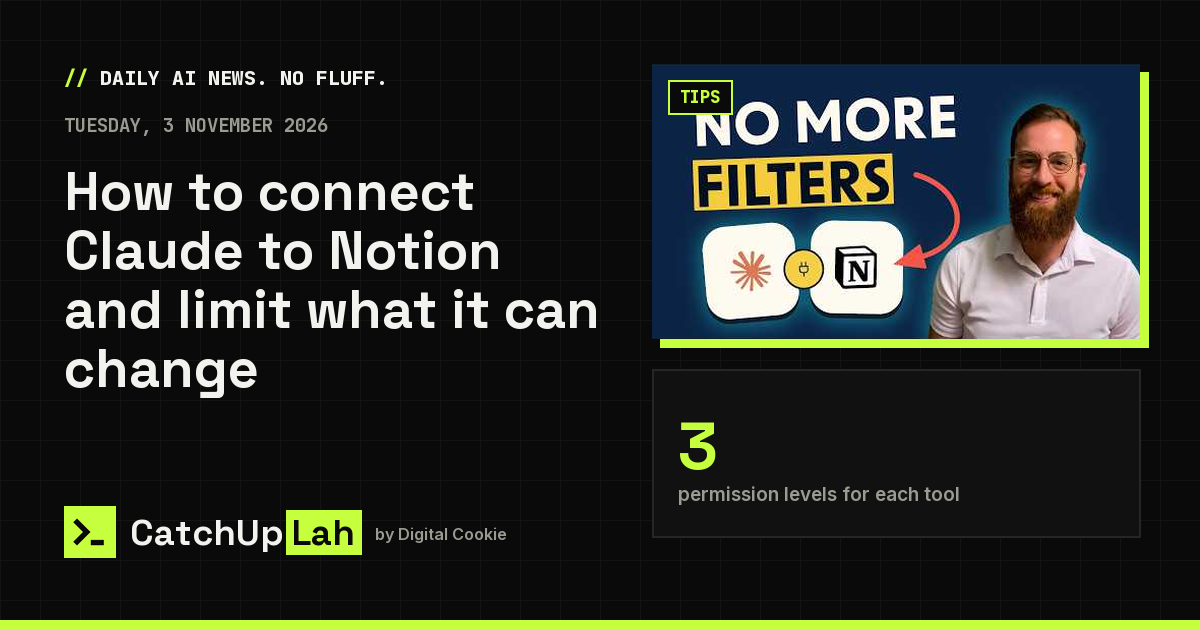



2access levels: Limited or Full
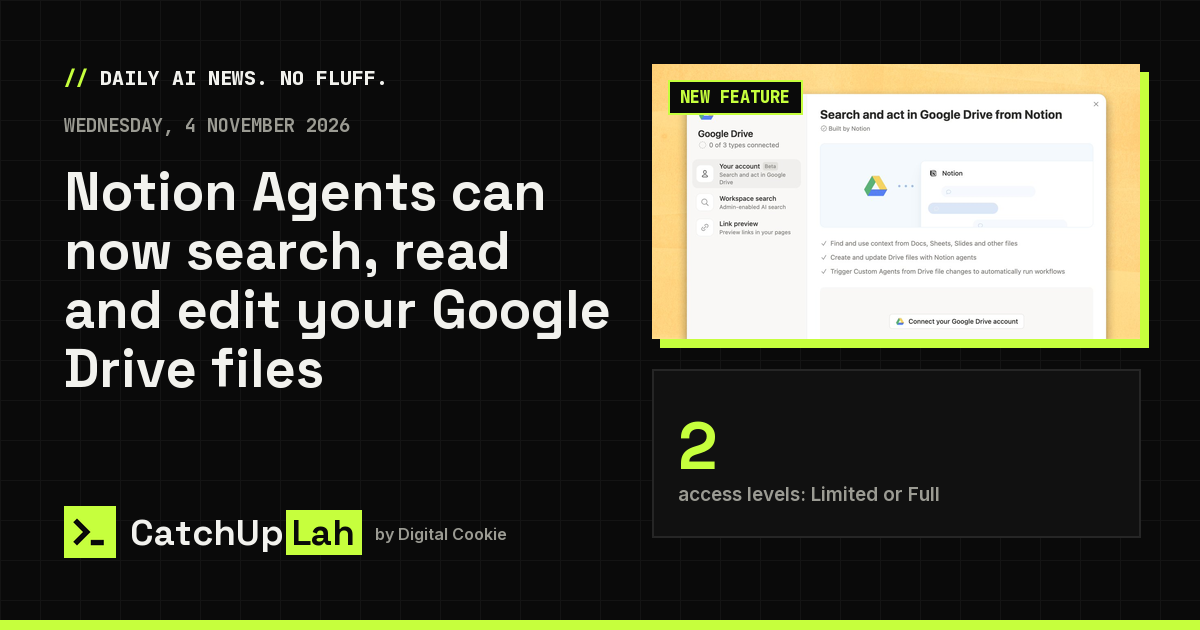
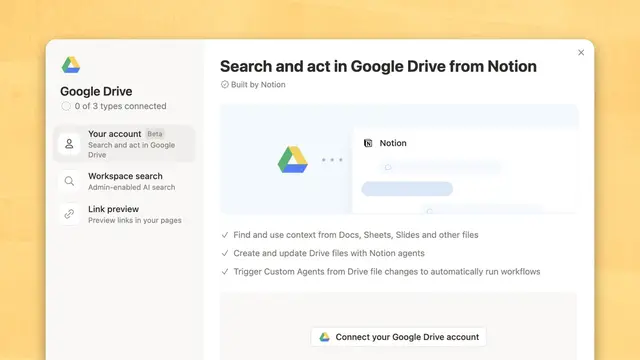
On 4 Nov 2026 (MYT), Notion's official X account said Notion Agent Notion’s built-in AI assistant that can read your workspace, answer questions, and take actions you approve. can now use Google Drive. Per Notion's help page, the feature is in beta and lets Notion Agent and Custom Agent A Notion AI agent you set up with its own instructions, tools and triggers to run a recurring job for your team. search, read, create and update Drive files without leaving Notion. You switch it on in Settings, then Connections, then Google Drive.
Key points
- Notion says the agent checks your Drive live and nothing is saved or indexed by Notion. It can only see files you own, files shared with you and Shared drive A Google Drive space owned by a team rather than one person, so files stay when someone leaves. you can access.
- You pick Limited access (it reads your files but only edits files it made or you chose) or Full access (it can edit anything you can edit).
- Custom Agents can be limited to certain folders or shared drives. Notion Agent always uses your full access level.
- Your Google Workspace admin may need to approve it first. Notion also suggests naming Google Drive in your prompt when you want the agent to use it.
Why it matters: If your team keeps documents in Google Drive, agents can now work with them directly. Start with Limited access so the agent can't change files you didn't pick.
Sources (2)
- Your Notion Agents can now use Google Drive · Notion (@NotionHQ)
- Connect your agents to Google Drive (beta) · Notion Help Center
Was this useful?
Tap to vote. Hold, right-click or press Shift+Enter to add a reason or a note first.